
Free plan, no email required.
Trusted by 100+ million users.
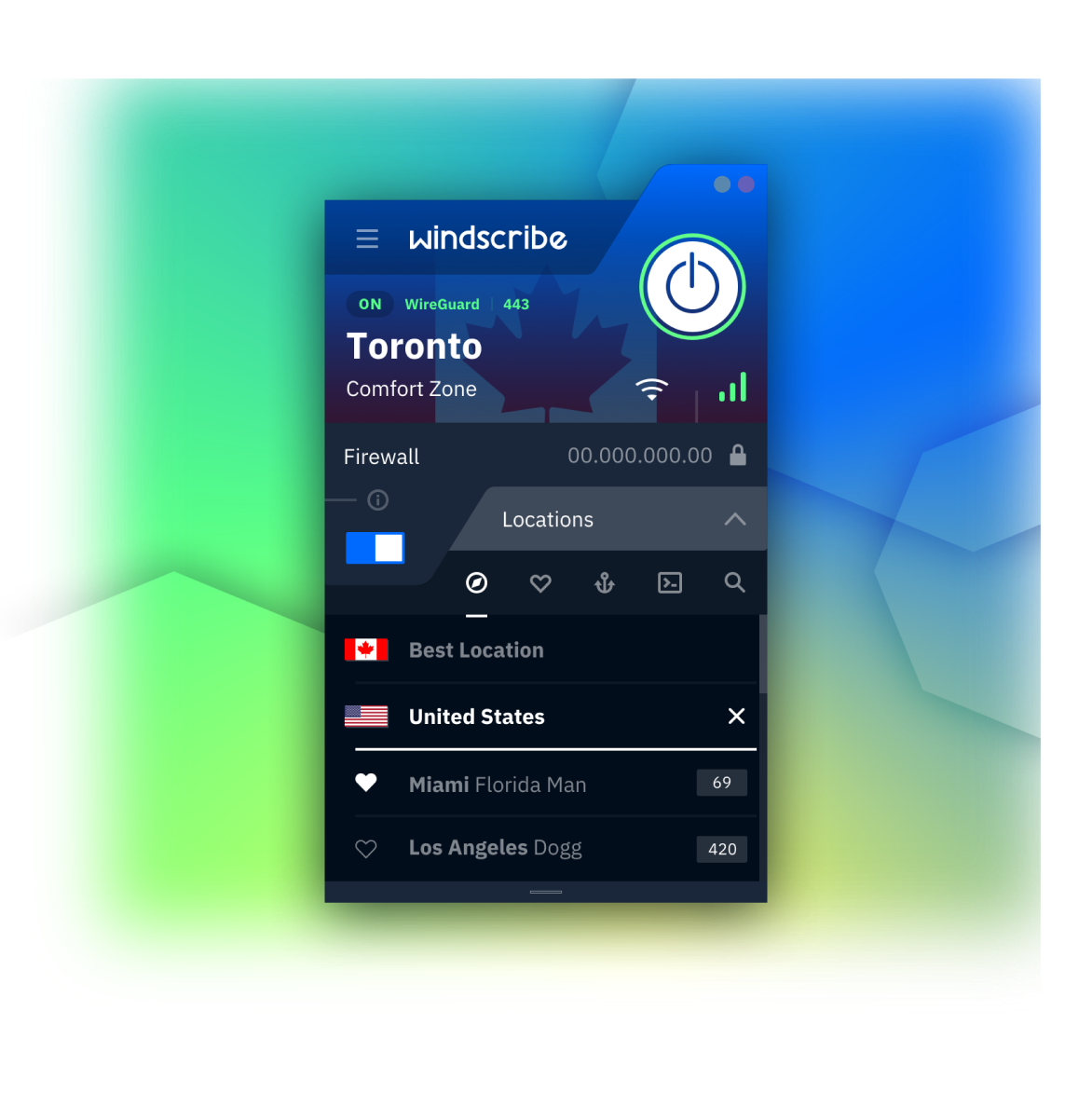
Why You Need a VPN on Your Mac
The café, the airport, the hotel… anyone on the same network can watch unencrypted traffic. Windscribe encrypts it, so all they see is gibberish.
Without a VPN, your provider logs every site you visit. With Windscribe, they see encrypted traffic to a single server and nothing past it.
ISPs slow down streaming and torrents they can identify. Windscribe hides what you're doing, so there's nothing to single out.

But Isn't My Mac Already Secure?
Built for Apple Silicon
Runs the Way Apple Intended, Not Around It.
The Windscribe macOS app is a native universal binary. It runs directly on M-series chips with no Rosetta translation, so it's light on CPU and easy on battery.
Native universal binary. Runs on Apple Silicon and Intel.
Native networking APIs. Connections survive sleep/wake and system updates.
Lives in your menu bar. Connect, switch location, done, without opening the full window.
Respects system dark mode.

Step 1
Get the App
Step 2
Install It
Step 3
Connect
How to Use Windscribe on macOS
Newest protocol, record-breaking speeds. Best default on Mac. Six ports.
Fast to connect and natively understood by macOS. A solid fallback.
The long-standing standard. Six ports.
For restrictive networks. Eleven ports.
OpenVPN disguised as HTTPS traffic. Beats most blocks. Eleven ports.
OpenVPN disguised as WebSocket traffic, for the truly hostile networks.
Eliminate the Chance of a Leak Before It Can Happen
Most VPNs use a kill switch that monitors your connection and cuts the internet after the tunnel drops. Exactly. After. There's a tiny window where your tunnel is down, and your traffic isn't. That's when your IP can leak.
Windscribe's Firewall works the other way around. Using native macOS APIs, it blocks all traffic outside the tunnel by default. If the tunnel drops, there's nothing to react to, since non-VPN traffic was never allowed out in the first place. It fails closed.

More Control Than Any Mac VPN Needs
Choose which apps go through the VPN and which don't. Per-app or network-level, with include or exclude modes.
](/images/features/split-tunneling-features-icon.svg)
Appear as a brand-new device every time you join a network, so operators can't track you across visits.
](/images/_shared/bc1570fc7390.png)
Set what Windscribe does automatically on each Wi-Fi network: connect, disconnect, or switch protocol the moment you join.
](/images/_shared/c00b6d73d329.png)
Import any OpenVPN or WireGuard config and run it through Windscribe. No account needed in config-only mode.
](/images/features/config-features-icon.svg)
Loved & Trusted by Over 100 Million Users





Frequently Asked Questions
Do I need a VPN on my Mac?


If you ever use public Wi-Fi, want to keep your browsing away from your ISP, or need to reach content from another region, yes. macOS secures the device; it doesn't encrypt your connection. That's the gap a VPN fills.
Does Mac have a built-in VPN?
No. macOS supports manual IKEv2 and L2TP/IPsec setup if a provider gives you the details, and iCloud Private Relay covers Safari, but there's no full built-in VPN. The simplest route is to download an app.
Is there a free VPN for Mac?
Yes. Windscribe is free for macOS. You get 10 GB a month if you give us your email, or 2 GB if you don't. Create an account, download the app, and connect.
How do I install a VPN on my Mac?
Sign up, download the Windscribe macOS app, open the installer, and follow the steps. Then log in, pick a location, and connect. Full guide in our knowledge base.
Is it legal to use a VPN on a Mac?
In most countries, yes. Using a VPN is perfectly legal. A handful of governments restrict or ban them, so check your local laws if you're travelling. Either way, what you do online still has to be legal.
What's the best VPN for Mac?
That depends on what you need. Speed, a no-logs policy, a big server network, and a native macOS app are the things to weigh. Windscribe brings strong encryption, unlimited device connections, and a firewall that fails closed rather than reacting after a leak.
"WireGuard" is a registered trademark of Jason A. Donenfeld. Open Source Software Attributions.